
Chrome extension for EMS providers
Fill an entire PCR before you touch the keyboard.
You chart a lot of the same things on every call. Save them once, and ChartAssist fills them into emsCharts with one click. When you're done, clear them and move on to the next one. It never stores patient data.
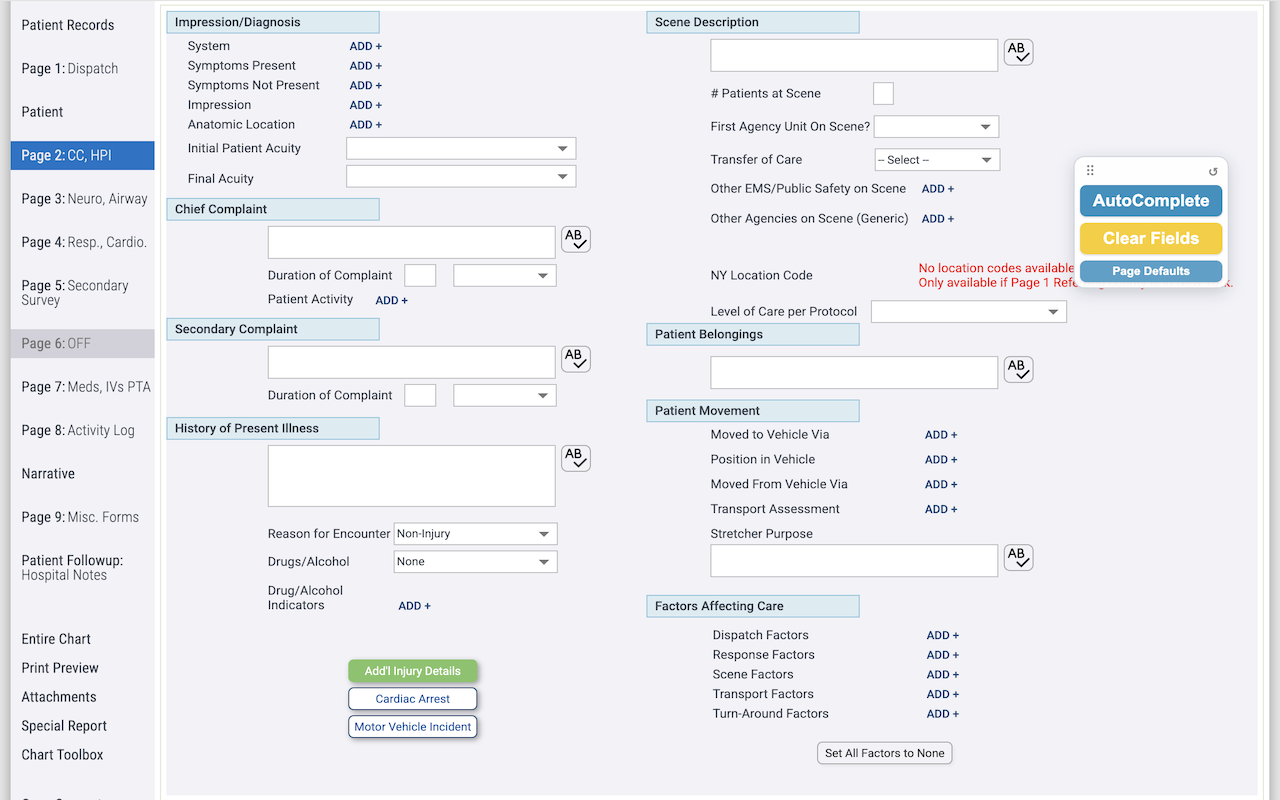
What it does
One-click AutoComplete
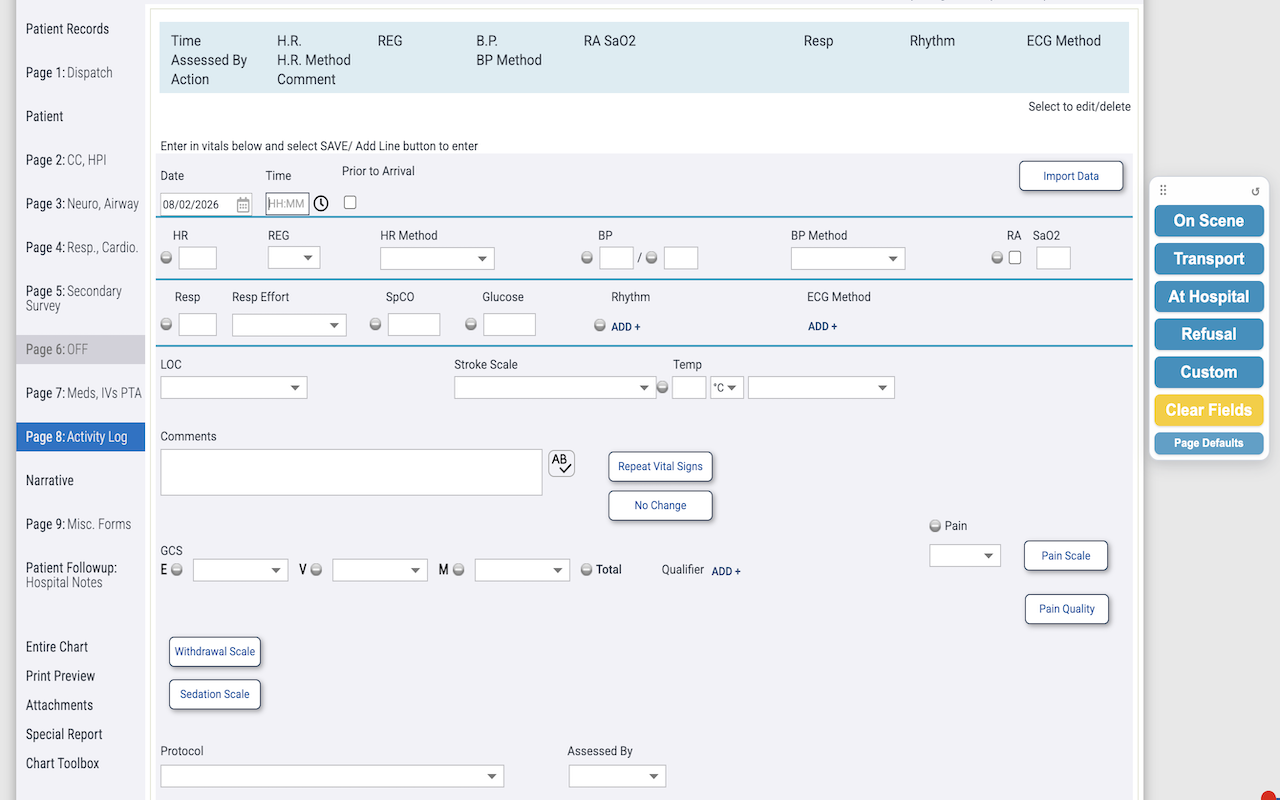
Fills in your saved defaults on every PCR page: dispatch, exam, billing, and the rest.
Clear Fields
Wipes those same fields for the next chart. It asks first, so you won't clear anything by mistake.
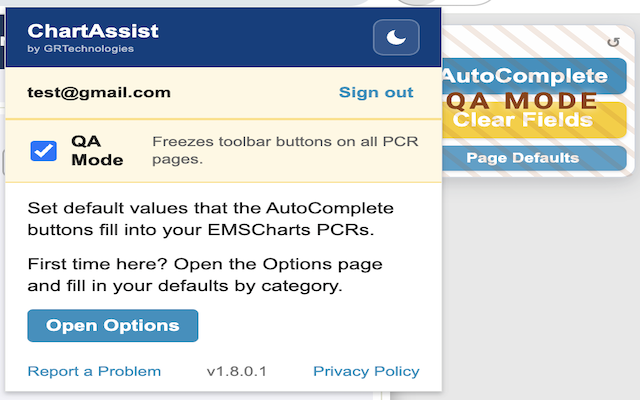
QA Mode
Reviewing a chart? Turn on QA Mode and the toolbar locks, so nothing gets changed by accident.
Approved agencies only
The toolbar stays locked until someone from an approved agency signs in.
How it works
Set your defaults
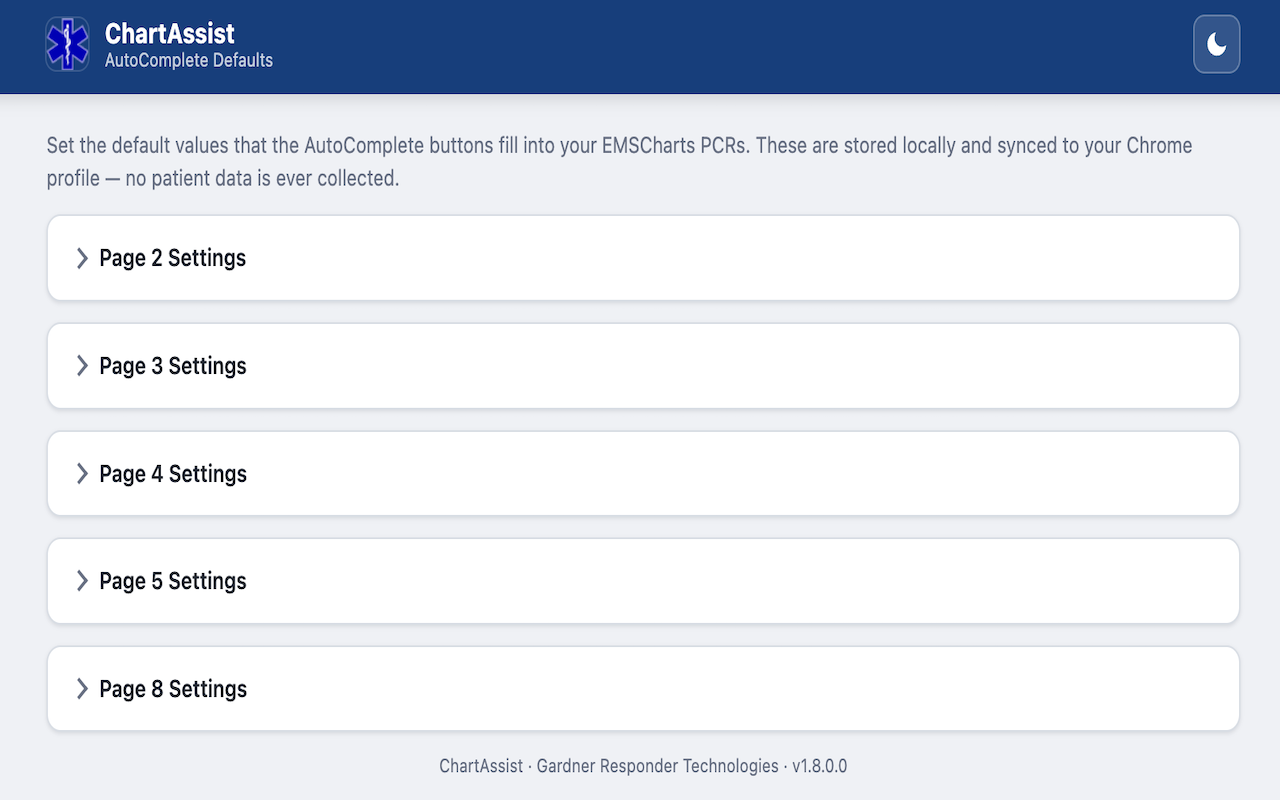
On the Options page, enter the things you chart the same way every time. You only do this once.
Click AutoComplete
Open a PCR, click AutoComplete, and ChartAssist fills in the matching fields on each page.
Clear it for the next call
Hit Clear Fields and you're starting the next chart with a clean slate.
A closer look
No patient data. Ever.
We built ChartAssist so it never has to touch patient information. All it knows is the defaults you type in and your login. It doesn't read, save, or send anything about a patient or a chart.
- No PHI. The only things it saves are your defaults and your sign-in.
- Approved agencies only. Nothing works until someone from an approved agency signs in.
- QA Mode. Lock the toolbar so nothing changes while you're reviewing.
Getting access
ChartAssist is open to approved EMS agencies. If yours is already set up, install it and sign in. If not, tell us a little about your agency and we'll reach out about getting your crew started.
ChartAssist is an independent tool, provided as-is, and isn't affiliated with emsCharts or ZOLL. By installing it, you agree to our Terms of Use and Privacy Policy.
- 1 Tell us about your agency. It takes about a minute.
- 2 We get you approved. We'll reach out by email to get your agency set up.
- 3 Install and sign in. Save your defaults and start charting.